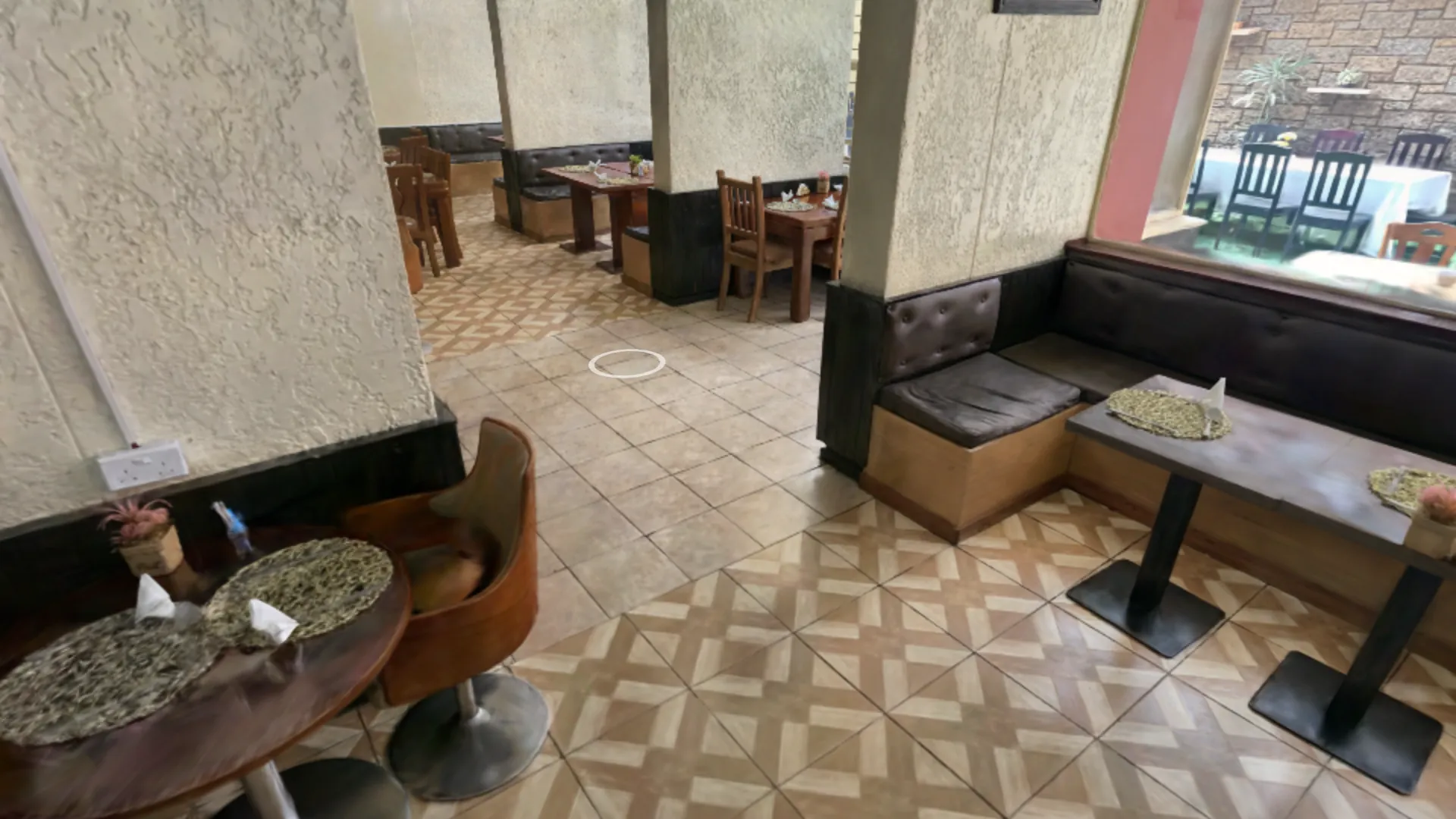
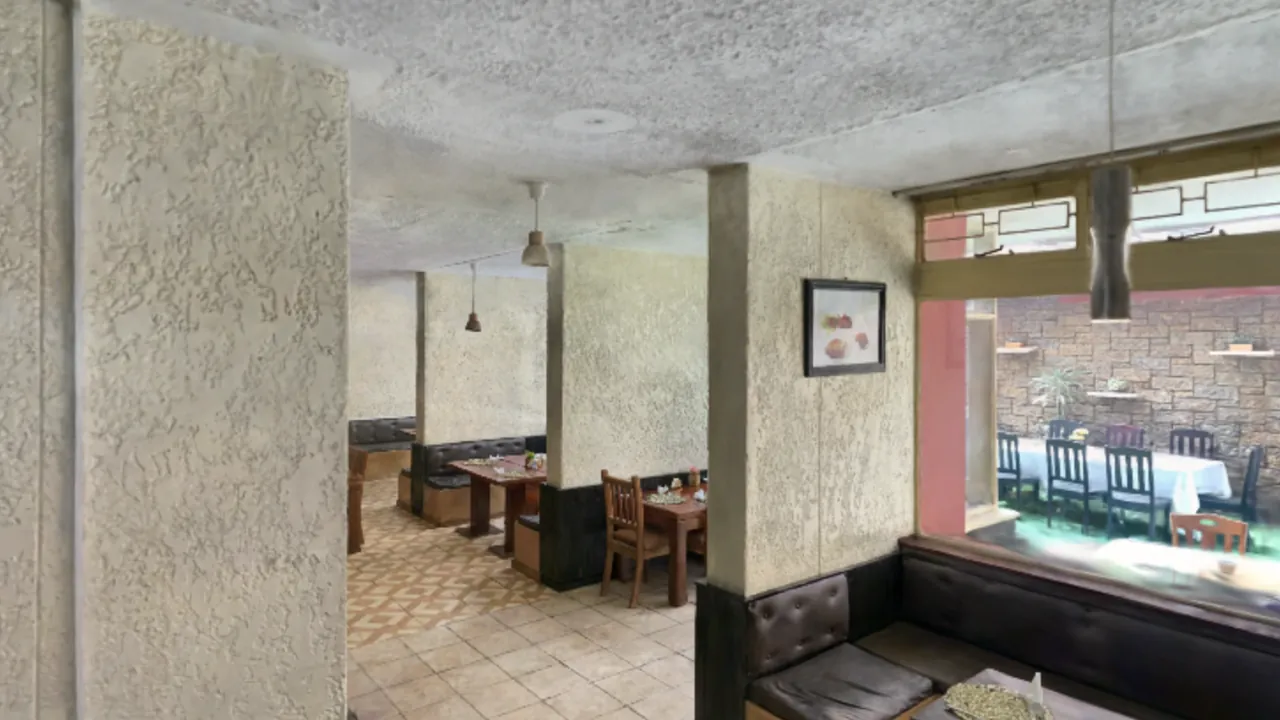
Interior of a restaurant rendered as an interactive 3D walkthrough, seen from a customer's viewpoint inside the room.
Walkable 3D virtual tours

Turn Your Venue Into a Walkable 3D Experience

Send us photos or video of your restaurant, hotel, shop, showroom or venue. We build an interactive 3D walkthrough your customers can explore online.

  • No 360° camera required
  • Works on desktop and mobile
  • Share with a link
  • Embed on your existing website
Live demo

Try the Experience

Look around, move through the space and experience how your customers can explore a venue online before they visit. This is a real interactive scene running in a browser — use your mouse, trackpad or keyboard, or your finger on a phone.

Preview of an interactive 3D walkthrough of a restaurant interior.

Launch the 3D walkthrough

The full scene loads on demand — it is not downloaded until you press play. On a phone it opens full screen.

Prefer a full screen? Open the demo in a new tab Best viewed on a desktop or a recent phone.

Technical demonstration. The scene above is a licensed third-party dataset used to demonstrate the technology, not a client project. Source: “Manica SkyView · Cock 'n' Hen Restaurant” by jindantesparda, licensed CC BY 4.0, rendered with SuperSplat. Your own venue is captured from your photos or video.

Who it is for

Built for places people decide to visit

If a customer hesitates because they cannot picture the space, a walkthrough answers that question before they arrive.

Restaurants & Cafés

Show the atmosphere before guests arrive.

Hotels & Accommodation

Let potential guests explore rooms and common spaces.

Retail Stores

Turn your physical store into an interactive online experience.

Wedding & Event Venues

Help customers understand the space before booking.

Showrooms

Present products in their real spatial environment.

Multi-location Businesses

Create a consistent interactive experience across multiple venues.

What you need to prepare

You already have everything you need

You do not need a 360° camera or professional scanning equipment. A phone and a short walk through your space is enough.

What to send

  • Smartphone or camera — any recent phone works.
  • Photos and/or video of the venue.
  • Access to all areas that should appear in the walkthrough.
  • A reasonably well-lit space.
  • Enough coverage from multiple viewing angles.

The best input

4K / 30fps smartphone video

  • Use the phone's normal rear camera.
  • Use the plain 1× lens — no digital zoom.
  • Shoot 4K at 30fps if your phone offers it.
  • Hold the phone horizontally.
  • Keep exposure steady — lock it, or avoid big light changes.
  • Move slowly and keep autofocus settled.
  • Do not switch between lenses while recording.

Standard 1080p is also accepted, though it carries less detail for the reconstruction than 4K.

Simple Recording Guide

  1. Use your phone's normal rear camera.
  2. Record in 4K/30fps if available.
  3. Walk slowly.
  4. Show every area from several angles.
  5. Capture doors, corners and transitions carefully.
  6. Avoid large moving crowds.
  7. Record extra angles around mirrors and glass.
  8. If you missed an area, simply record it again.

No 360° camera is required.

Not sure if your footage is suitable?

Send us a short 20–30 second sample first. We can review it before you record the full venue — so you never spend an afternoon filming something that has to be redone.

Send the original file

Messaging apps compress video heavily. Send your footage with Google Drive, Dropbox, WeTransfer or a similar transfer link so we receive the full quality.

Capture guide

How To Record Your Venue

The reconstruction is only as good as the footage it comes from. These are the handful of habits that make the biggest difference — nothing here needs any equipment or experience.

1. Walk slowly

Walk slowly and steadily through the venue. Fast movement, quick pans and a shaky hand all blur the frames we need to work from.

2. Show each area from several angles

Cover the room centre, the walls around it, the doorway, the walkways, the corners, the counter and the space between tables. Do not stand in one spot and spin around.

3. Keep the space continuous

Film the transitions between spaces, not just the rooms. If two areas never appear in the same shot, or in overlapping shots, the connection between them is weaker.

EntranceLobbyMain areaCorridorSecond room

4. Spend extra time on entrances and connections

Doorways, stairs, corridors, narrow passages, room boundaries, both sides of the counter and the indoor–outdoor threshold benefit from extra angles.

5. Mirrors, glass and reflective surfaces

For mirrors, large glass walls, polished metal, glossy surfaces and reflections, capture extra angles and move around the reflective area slowly. Reflections are the hardest thing to reconstruct, so we cannot promise they disappear completely.

6. Avoid crowds

Film before opening or after closing, or when the venue is quiet. A few people are fine, but many moving objects reduce the quality of the result.

7. Keep the lighting consistent

Don't film half the venue with the lights on and half with them off. Avoid changing the lighting, curtains, table layout or large objects while you record.

8. Several short clips are perfect

You don't need one long take. Separate clips for the entrance, main floor, bar, corridor and private room are ideal — as long as they overlap enough.

Video 1 · EntranceVideo 2 · Main floorVideo 3 · BarVideo 4 · CorridorVideo 5 · Private room
How it works

Four steps, and only one of them is yours

Step 1

Record

Capture your venue with a phone or camera.

Step 2

Send

Send us your photos or video.

Step 3

We Build

We reconstruct and optimize the venue into an interactive 3D walkthrough.

Step 4

Share

Receive a public link that can also be embedded on your website.

Deliverables

What You Receive

Every walkthrough is delivered as a plain web link. There is nothing for you to install, host or maintain.

  • Interactive 3D walkthrough
  • Public shareable URL
  • Desktop browser support
  • Mobile browser support
  • Website embed option
  • Custom starting view
  • Venue / business branding
  • CTA button where applicable
  • QR-ready link
  • Basic performance optimization

What is included in each production tier — from a single area to a full multi-zone venue — is agreed before we start. Tell us about your venue and we will confirm the scope.

Partnerships

For Agencies & Multi-location Businesses

Need walkthroughs for multiple locations or client venues? We can support white-label production, repeatable capture workflows and multi-location delivery.

  • Web agencies
  • Local SEO agencies
  • Hospitality marketing
  • Photographers
  • 360° photographers
  • Tourism organizations
  • Retail chains
  • Hotel groups
  • Commercial districts

One workflow, many venues

  • A capture checklist your team or the client can follow without training.
  • Consistent look and navigation across every location.
  • White-label delivery under your own brand.
  • Bulk-friendly turnaround for rollout programmes.
Contact

Ready To Turn Your Venue Into A Walkable 3D Experience?

Send us a short sample or tell us about your venue.

Email
bob@ftir.fun
Coverage
Venues worldwide — remote delivery